Write in Markdown. Read a finished page.

Folra is a native Mac editor that formats as you type. Your notes stay plain .md files in your own folders.

A Folra window: the folder on the left, a document with a to-do list and a table in the middle, its outline and backlinks on the right.

A folder is all it needs.

Open any folder and it becomes your workspace. Nothing is imported, and every file still opens in any other editor.

The folder sidebar with documents and subfolders.

Everything a long document needs.

Math and diagrams

LaTeX formulas and Mermaid diagrams render in place, in light and dark.

A formula and a flowchart rendered in a document.

Outline and backlinks

An outline that follows your scroll, and every note that links here.

The side column with the outline and backlinks.

Tables

Add rows, move columns, copy as CSV or HTML.

A table in a document.

Themes

Six built in, or write your own as a JSON file.
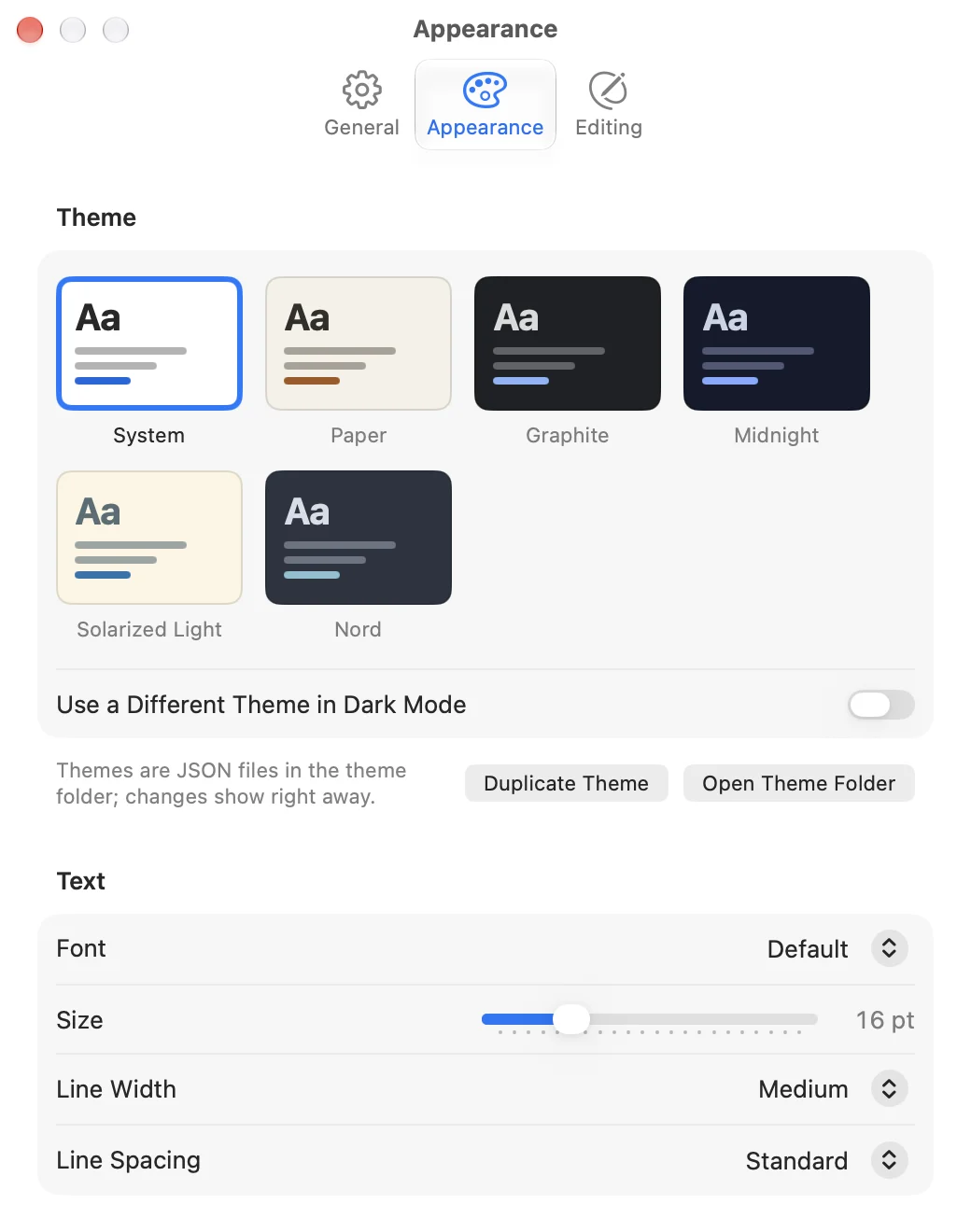
The theme settings with six themes.

Open Quickly

Type a few letters of a name and jump to that document.
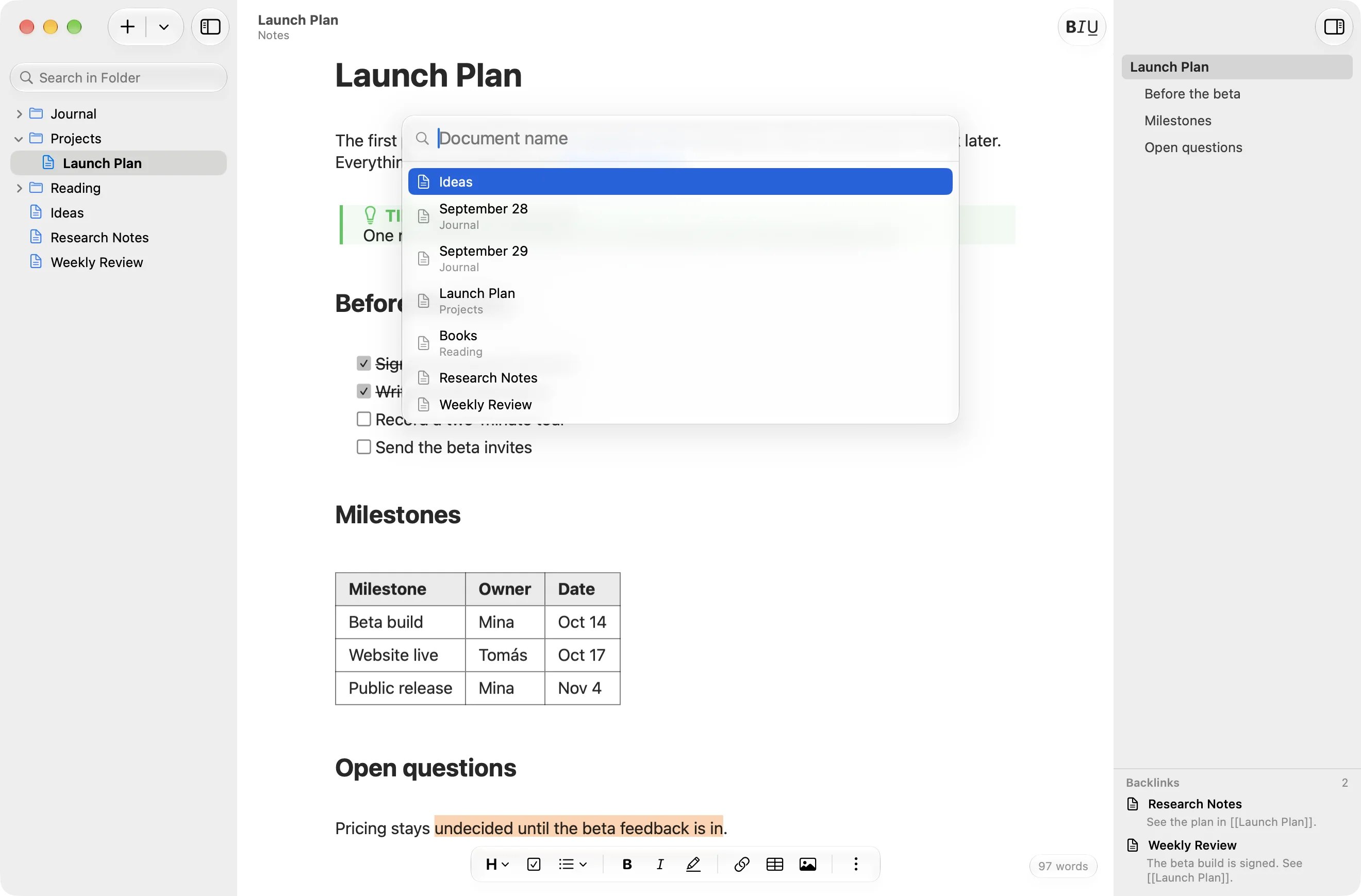
The Open Quickly panel listing documents.

Made for writing on a Mac.

Keyboard first
Every format has a shortcut and a menu command.
Find in folder
Search every document at once and go straight to the line.
Links between notes
Type [[ and pick a document from the list.
Focus and typewriter modes
Dim all but the paragraph you are on, or keep your line centered.
Export and print
PDF and HTML that look like the editor, formulas and diagrams included.
Three languages
Use the app in English, Simplified Chinese or Japanese.

Start writing.

Folra runs natively on Apple silicon and Intel Macs with macOS 15 or later.

Download for Mac